The NexumPharma app
The app that deliversyour pharmacy in 30 minutes.
Free on iPhone and Android. You pick a pharmacy near you, send your prescription or place an order, a pharmacist prepares it, a courier delivers, or you pick it up.
- Licensed pharmacies, not a warehouse
- Prescription as a photo, health insurance applied as at the counter
- Live courier tracking
- Qualified pharmacists
- Secure payment
- Carte Vitale and third-party payment
- Protected health data
- No upfront payment for prescriptions
How it works
Four screens, one delivered order
- 1
Install the app
From the App Store or Google Play, for free. Enter your address and the app shows the pharmacies that deliver to you.
- 2
Choose your pharmacy
Your usual pharmacy if it is a partner, or a pharmacy in your neighbourhood: opening hours, catalogue, delivery time and fee are shown before you order.
- 3
Send the prescription or fill the basket
A photo of the prescription is enough; the pharmacist checks it and writes to you if anything is missing. Without a prescription, you add products to the basket as in a shop.
- 4
Track the courier, or pick up at the counter
You watch the courier approach on the map, in about 30 minutes. Or you choose pick-up: the order is waiting for you, ready, with no queue.
What the app does
Everything you do at the counter, from your phone
Prescription as a photo
Paper, e-prescription or QR code: you photograph it, the pharmacist reads it before preparing. Health insurance is applied, you only pay your share.
Delivery tracked live
As soon as the pharmacy confirms, a courier leaves with your order. You follow their position on the map and are notified on arrival.
Pick-up at the pharmacy
Click & collect: you order, the pharmacy prepares, you drop by when it suits you. Your products are set aside in your name.
Messaging with the pharmacist
A question about a product, a dosage, a replacement if something is out of stock: you talk to the pharmacy straight from your order.
Carte Vitale and insurance, once
Your health documents are saved once in the app and reused for every order, for you and your relatives.
Secure payment
Bank card, Apple Pay or Google Pay. You pay the pharmacy's price and the displayed delivery fee, nothing else.
Why NexumPharma
What sets it apart from other delivery apps
NexumPharma is neither an online pharmacy nor a courier company: it is the network of neighbourhood pharmacies, in one app.
- Every order is prepared and checked by a licensed pharmacy near you, never by a warehouse.
- Prescription medicines are delivered, not just parapharmacy: the pharmacist validates first.
- You pay the pharmacy's price, with French health insurance applied, as at the counter.
- Delivery leaves from your neighbourhood: about 30 minutes, or the time slot you choose.
- Available in the cities where a partner pharmacy delivers, from Paris to Marseille, Lille, Bordeaux, Nice or Strasbourg.
Delivery by city
Your medicines delivered, city by city
Every city has its page: the partner pharmacies that deliver there, the delays, the questions people ask locally.
- Paris60 pharmacies
- Marseille10 pharmacies
- Bordeaux6 pharmacies
- Nice5 pharmacies
- Boulogne-Billancourt4 pharmacies
- Strasbourg4 pharmacies
- Asnières-sur-Seine3 pharmacies
- Lille3 pharmacies
- Montpellier3 pharmacies
- Annecy2 pharmacies
- Avignon2 pharmacies
- Caen2 pharmacies
- Cannes2 pharmacies
- Dijon2 pharmacies
- Gennevilliers2 pharmacies
- Grenoble2 pharmacies
- Issy-les-Moulineaux2 pharmacies
- Ivry-sur-Seine2 pharmacies
- La Seyne-sur-Mer2 pharmacies
- Le Cannet2 pharmacies
- Le Havre2 pharmacies
- Levallois-Perret2 pharmacies
- Limoges2 pharmacies
- Lyon2 pharmacies
Go further
Our guides on medicine delivery, online prescriptions and out-of-hours pharmacies.
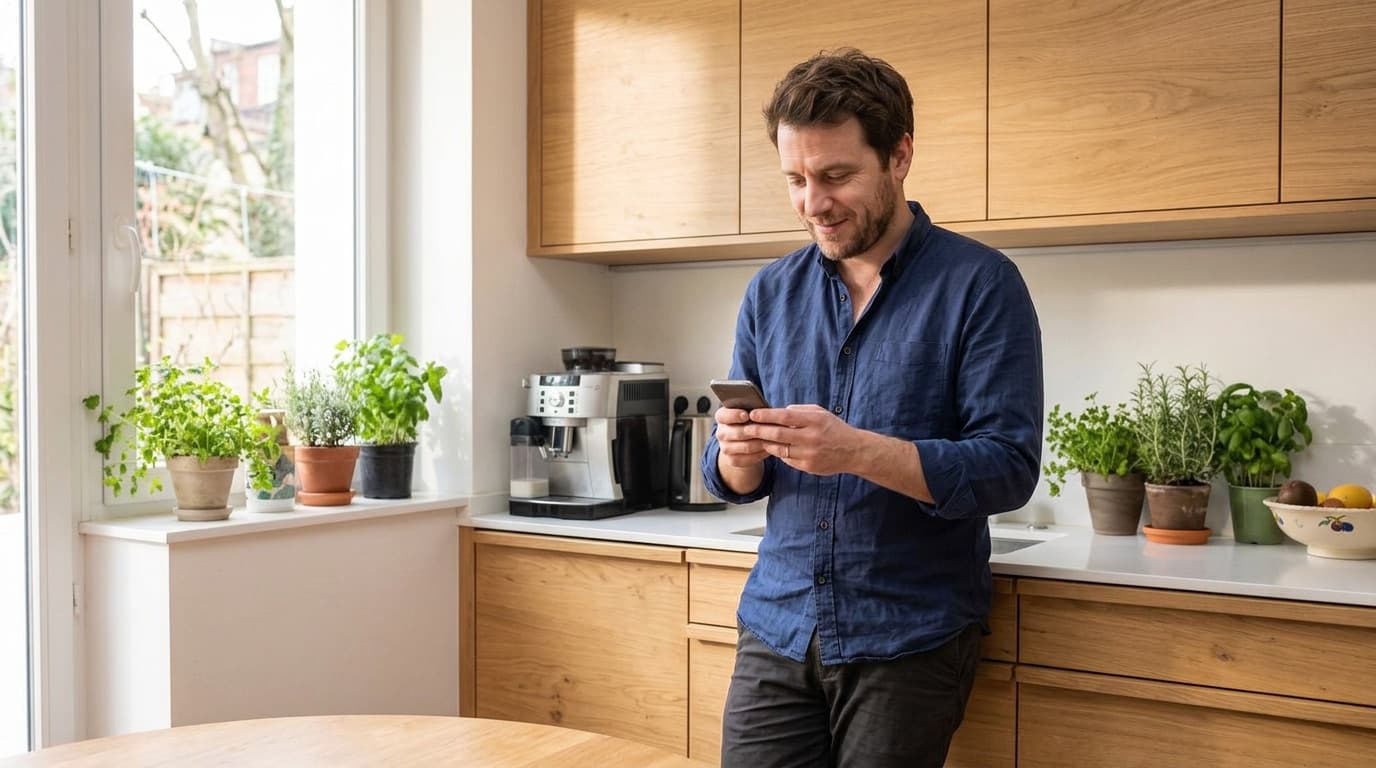
NexumPharma app
Get the app for your next order
Order in a few taps, send your prescriptions and find your order ready at the pharmacy, no queueing.
Learn more about the app
Questions about the app
What people ask before installing it.
Is the NexumPharma app free?
Yes. The app is free on the App Store and Google Play, with no subscription. You only pay for your products, at the pharmacy's price, and the delivery fee shown before you confirm.
Which phones does it work on?
On iPhone (App Store) and Android (Google Play). The nexumpharma.fr website also lets you order from a computer or a browser, with the same account.
Can I send a prescription from the app?
Yes, that is its primary use: you photograph the prescription or attach the PDF, the pharmacist of the chosen pharmacy checks it, prepares your medicines and has them delivered or keeps them at the counter.
How do I track my delivery?
As soon as the pharmacy has confirmed the order, the app shows its progress: preparation, courier on the way with their position on the map, then hand delivery. You get a notification at every step.
Can I order for a relative?
Yes. You can send a relative's prescription and have it delivered to their address. The pharmacist may ask for their documents (ID, Carte Vitale) for reimbursement, as at the counter.
Which cities are covered?
The cities where a partner pharmacy delivers: the full list is on the Medicine delivery page, city by city. Enter your address in the app to see the pharmacies that deliver to you.